AI and Automation
How to Plan a 30-Second AI Video With a Clear Beginning and Ending
By SyncBricks Editorial · · 4 min read
In this article
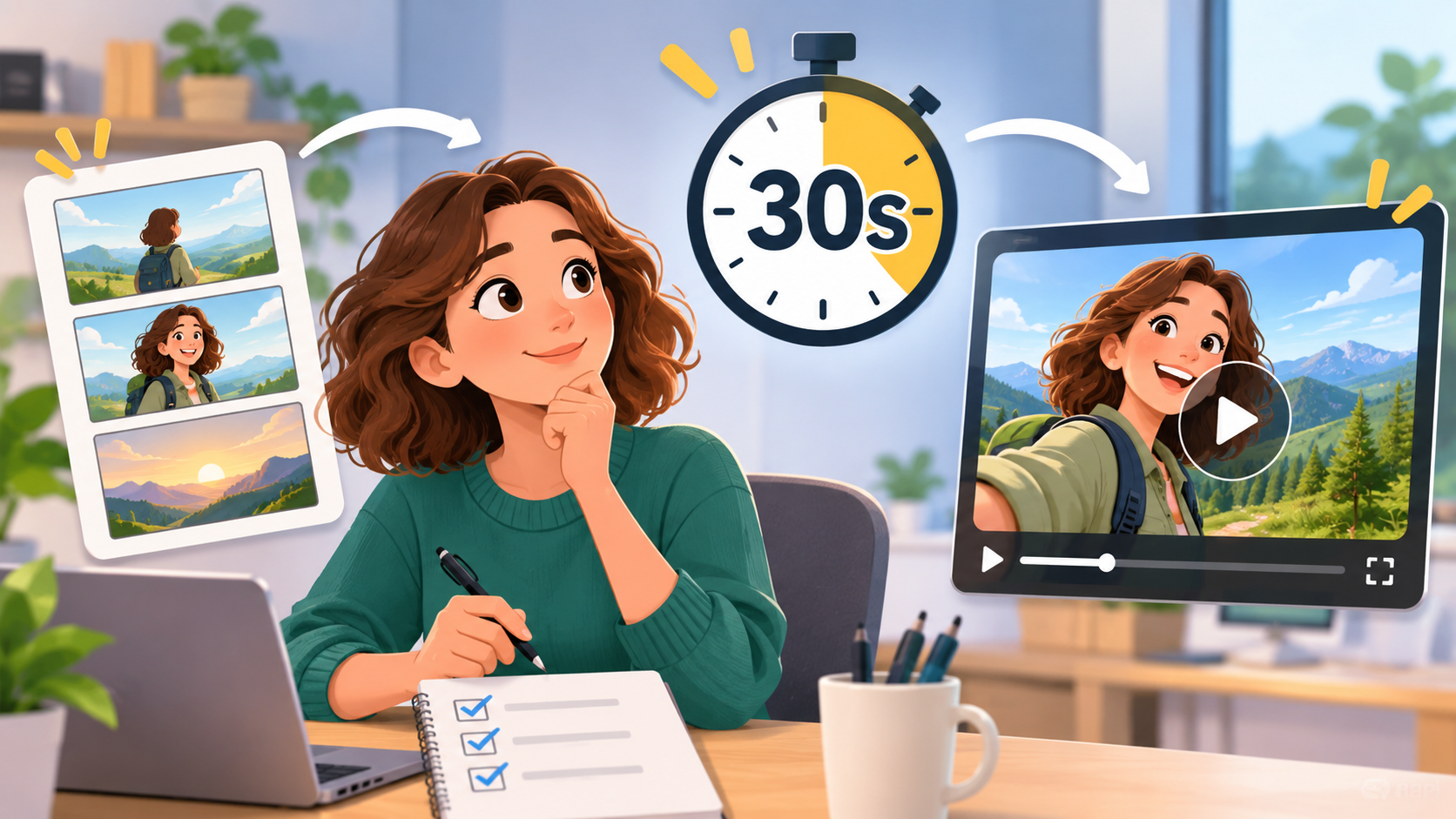
Thirty seconds can hold a complete idea, but only when every moment has a job. A short AI video may look impressive in isolated frames and still feel unfinished if it has no setup, change, or ending. The solution is to plan it like a miniature scene. Give the viewer a subject to follow, a small event to notice, and a final image that resolves the idea.
Imagine a paper boat moving along a narrow stream through a city. At first it floats in shadow. Then it passes a bend where the current quickens. Finally it enters warm sunlight. The concept is simple enough to fit a short clip, yet it has movement and a visual payoff. That is a better starting point than asking for “an epic cinematic video” without explaining what happens.
Divide time into three useful parts
For a 30-second story, begin with a rough timing map. The first five to eight seconds establish the subject and place. The next fifteen to eighteen seconds develop the action. The final five to eight seconds deliver the payoff and leave a little breathing room. These are guides, not strict rules, but they prevent the opening from consuming the whole runtime.
Write one sentence for each part. “A yellow paper boat drifts in a dim channel.” “It navigates a series of gentle bends as reflected light grows brighter.” “It reaches an open pool in golden afternoon light.” If those sentences read as one continuous event, the video has a workable spine.
Choose a subject the camera can follow
Continuity is easier when the main subject has a distinct silhouette or color. The yellow boat is easy to recognize against dark water. A person could be identified by a coat or a bag. A product might have one unmistakable shape. The point is to make recognition effortless so the viewer can focus on what changes.
Define the setting with a few stable cues. For the boat, specify the width of the channel, the stone edge, the direction of the current, and the time of day. Avoid adding new buildings, crowds, and weather conditions in every shot unless they serve the story. A compact setting gives the video a sense of place.
Write the prompt as an action sequence
A useful prompt includes the subject, motion, environment, camera, and desired ending. For example: “A small yellow paper boat floats down a narrow urban water channel, beginning in cool shadow and gradually entering warm sunlight. The camera tracks alongside at a calm pace; the boat keeps its folded shape and color; the scene ends in an open golden pool.” This prompt tells the generator what to preserve and where the motion should lead.
For a more complex idea, break the video into connected segments. The first segment can establish the world, the second can show the event, and the third can resolve it. Use a still frame or reference image from a successful segment to guide the next. Keep the visual constants explicit so the cuts feel like parts of the same scene.
Seedance 2.5 is designed for short AI video creation with text and media references. Its page describes clips in the five-to-thirty-second range, which fits this kind of compact story. The practical advantage of the format is that you can review a complete idea quickly and revise the weak section rather than committing to a long production before you know whether the concept works.
Make camera movement serve the story
Camera motion should reveal information. A wide view can show where the boat starts. A low tracking view can make the current feel more immediate. A final wider frame can show the open pool and sunlight. If every shot pushes in, spins, and tilts, the visual energy may obscure the action.
Choose one main camera behavior for each beat. “Tracks alongside” is easier to interpret than a chain of movements such as “dolly in, orbit, rise, whip pan, then zoom.” A restrained camera also helps hide small inconsistencies between segments. Let the subject’s movement carry the video when possible.
Review the cut at real viewing speed
After generating, watch the whole sequence without pausing. Does the subject remain easy to follow? Is the change from shadow to light gradual enough to feel motivated? Does the ending land clearly, or does the clip stop immediately after the key moment? These questions are more useful than evaluating individual frames for beauty.
Then inspect technical details. The boat should not change folds or jump backward in the water. Reflections should move with the scene. The current should carry the subject in a consistent direction. If one shot breaks continuity, rerun or replace that section. You do not need to discard the whole concept.
Add sound and text last
A subtle water sound or a gentle musical rise can reinforce the journey. Avoid covering the final visual beat with a loud sound cue that draws attention away from it. If captions are required, keep them short and place them where they do not hide the subject. A 30-second piece should not require a paragraph of explanation on screen.
A call to action can appear after the visual payoff rather than during it. For a brand video, the boat’s arrival could transition into a simple message. For a personal project, the final image may be enough. Make that decision based on where the video will be shown.
A Seedance 2.5 free trial can be a practical way to test one complete 30-second concept, subject to the credits and availability shown on the page. Start with a short outline, generate a focused version, and spend the next iteration fixing the moment that weakens the story. Clear structure is what makes a brief AI video feel finished.
Keep reading
 AI and AutomationWhat Is an AI Mattress? Benefits, Evidence, and How to Choose OneLearn how an AI mattress uses built-in sensors and automatic support to improve sleep comfort, with CAICT data. Explore options today. · 15 min read
 AI and AutomationHow to Build an AI Model: A Complete Guide for DevelopersAI model development in 8 steps: define the problem, prepare your data, choose tools, engineer features, train, validate, deploy and keep improving the model. · 6 min read
 AI and AutomationThe Ultimate Guide: 20 Best Low-Code Platforms for Homelab and IT Automation ProjectsThe best software for homelab automation: n8n, Node-RED and Home Assistant first, then 17 more low-code tools, what each is good at and how to get started. · 5 min read