Software and Tools
How Can Store Owners Manage Products, Orders, and Customers More Efficiently?
By Amjid Ali · · Updated · 15 min read
In this article
- Managing Product Data at Scale
- Import Export Suite for WooCommerce
- ATUM Inventory Management for WooCommerce
- Automating Order Documentation and Fulfillment
- PDF Invoices & Packing Slips for WooCommerce
- Order Delivery Date for WooCommerce
- Picklists for WooCommerce
- Advanced Shipment Tracking for WooCommerce
- Keeping Orders Organized From Checkout to Delivery
- Sequential Order Numbers for WooCommerce
- Custom Order Status for WooCommerce
- Helping Customers Find the Right Products
- Product Recommendations for WooCommerce
- FiboSearch – Ajax Search for WooCommerce
- Turning First-Time Buyers Into Repeat Customers
- Smart Coupons for WooCommerce
- YITH WooCommerce Wishlist
- eCommerce Marketing Automation for WooCommerce
- WooCommerce Points and Rewards
- Reaching More Shoppers While Keeping Segments Straight
- Product Feed PRO for WooCommerce
- Wholesale Suite
- Conclusion
Running a WooCommerce store rarely stays simple for long. What starts as a handful of products and a trickle of orders soon turns into thousands of SKUs, a constant stream of purchases that need invoices, tracking numbers, and warehouse picking, and a customer base that expects fast, personal service and a reason to keep coming back. WooCommerce’s core feature set handles the basics well, but it wasn’t built to manage bulk catalog updates, automated paperwork, product discovery, or sophisticated customer retention at scale. That’s the gap plugins are built to close.
The good news is that store owners don’t need to rebuild their stack from scratch to get there. A handful of well-chosen plugins, each solving one piece of the puzzle, product data, order documentation and fulfillment, order tracking, product discovery, coupons, and customer outreach, can turn a manual, error-prone workflow into one that runs largely on its own. Below is a closer look at tools worth considering for product, order, and customer management, along with what each is best at.
Managing Product Data at Scale
Import Export Suite for WooCommerce
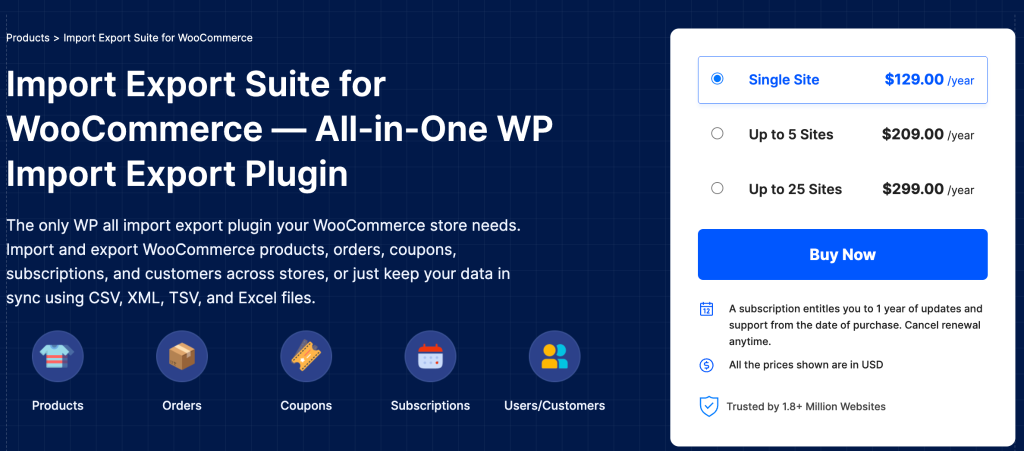
For stores with large or frequently changing catalogs, manually adding and editing products in the WordPress admin isn’t practical. The Import Export Suite for WooCommerce plugin gives store owners a way to move product data in and out of the store in bulk, supporting every WooCommerce product type — simple, variable, grouped, external/affiliate, and subscription — through CSV, XML, TSV, or Excel files. Store owners can filter exactly which products, categories, or fields to include, map columns to match a supplier’s format, and choose between a quick, everything-included export or a fully customized one with advanced field-level control.
Beyond straightforward migrations, the plugin is built for recurring bulk work. A scheduling feature lets store owners automate regular imports or exports, useful for syncing stock or pricing with a supplier feed on a set cadence — and a built-in ChatGPT integration can automatically fill in missing product descriptions during import, which matters when a bulk upload leaves gaps that would otherwise hurt SEO and conversion. It also imports and exports orders, coupons, customers, and reviews, so store owners moving between hosting providers or WooCommerce installs can bring their store’s history along in one pass.
ATUM Inventory Management for WooCommerce
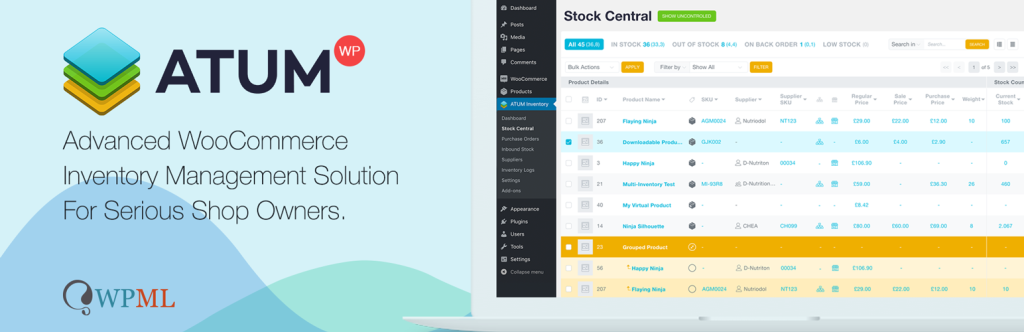
Product data isn’t only about titles and prices; knowing what’s actually in stock, where it’s coming from, and when to reorder is its own management problem, and ATUM Inventory Management for WooCommerce is built specifically around that. Its Stock Central screen puts the entire product catalog on a single scrollable page, with inline editing of SKUs, purchase prices, and stock levels, so store owners don’t click in and out of individual product pages to make routine updates. It also tracks suppliers per product, letting store owners filter their catalog by supplier and see purchase order history alongside stock counts.
The plugin’s inventory logs record every stock movement, which helps catch discrepancies between what the system reports as in stock and what’s actually on the shelf. Sales statistics — weekly and fortnightly views of what’s moving and what’s sitting — help store owners spot reorder points before they run out, and a lost-sales indicator flags when out-of-stock items were likely costing sales. It’s free at its core, with premium add-ons available for multi-warehouse inventories and purchase order automation for stores that outgrow the basics.
Automating Order Documentation and Fulfillment
PDF Invoices & Packing Slips for WooCommerce
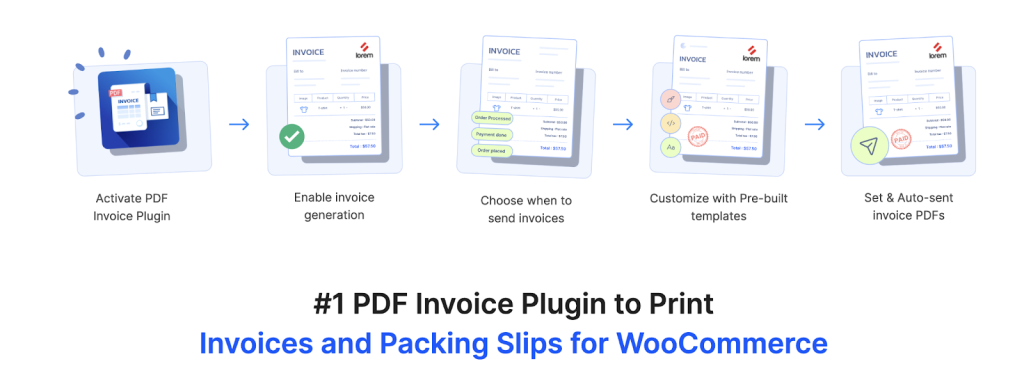
Every order that comes through a store needs some kind of paper trail — an invoice for the customer’s records, a packing slip for whoever’s fulfilling it, sometimes a credit note if something’s returned. Woocommerce PDF invoices & packing slips automates all of this, generating and attaching PDF invoices and packing slips to order confirmation emails, with pre-designed templates that can be customized or replaced with a fully custom layout that matches the store’s branding. It also generates delivery notes, shipping labels, and dispatch labels, and supports common Avery label formats for stores printing address labels in bulk.
The plugin handles some of the fussier compliance and formatting details too—it can generate UBL and XML invoices for stores that need machine-readable formats, add order or product metadata such as tax details, VAT numbers, and custom fields directly to documents, and automatically create credit notes for refunds so returns do not require manual documentation each time. A free version is also available for stores that need essential invoice and packing slip functionality before upgrading to more advanced features. It is built to work with WooCommerce’s High-Performance Order Storage, which matters for stores that have migrated to newer WooCommerce order handling and do not want a documentation plugin holding that migration back.
Accounts payable automation, for example through solutions such as InvoiceAction, can help finance teams capture invoice data, validate it, route invoices for approval, and connect the process with ERP or accounting systems.
Order Delivery Date for WooCommerce
Documentation is one part of order management; setting accurate expectations about when an order will actually arrive is another. Order Delivery Date for WooCommerce lets customers pick a delivery date, and, in the Pro version, a time slot, right on the checkout page, with the chosen date visible to both the customer and the store admin on the order details screen. Store owners can block off days when they don’t deliver, set a minimum lead time in hours rather than just days, and cap the number of orders accepted per delivery slot.
For stores juggling multiple product categories or fulfillment locations, the plugin supports custom delivery rules — different delivery windows for perishables versus general merchandise, for instance, or separate pickup locations, each with its own available days and time slots. Delivery details sync automatically to the order confirmation email and the customer’s account page, and the plugin can update delivery dates on subscription renewal orders as well, which cuts down on the back-and-forth customer service emails caused by ambiguous delivery timing.
Picklists for WooCommerce
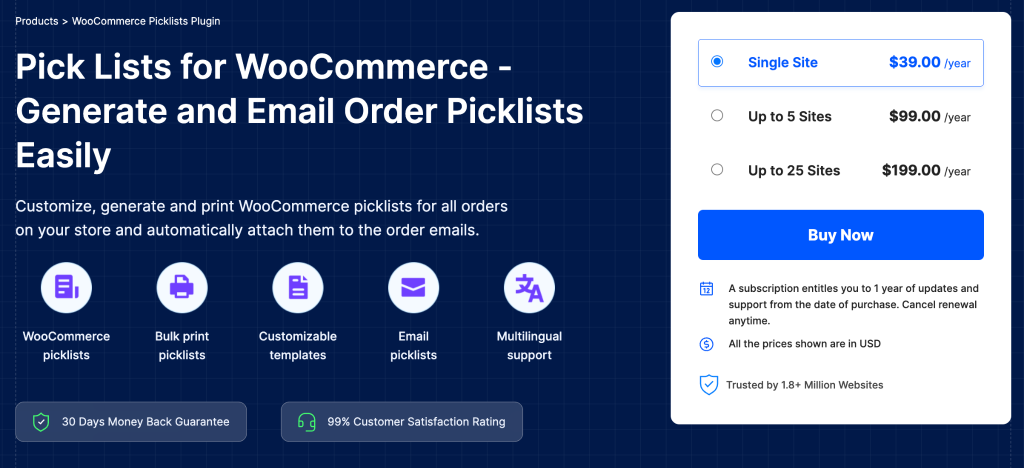
Invoices and packing slips are for the customer and the office; picklists are for whoever is actually walking the warehouse floor, pulling stock. Picklists for WooCommerce, an add-on to the PDF Invoices and Packing Slips plugin, generates picking lists automatically for orders as they reach a chosen status, listing exactly which products and quantities need to be pulled and helping pickers tell variations of the same product apart at a glance. Store owners can group picklists by order or consolidate them by total quantity across several orders, so a batch of same-day orders for the same item can be picked in one pass instead of one order at a time.
The plugin automatically attaches picklist PDFs to order status emails, so warehouse staff receive their instructions the moment an order needs picking, and it supports bulk printing across selected orders directly from the WooCommerce Orders page. Store owners can add product metadata such as SKU, size, weight, or color to the picklist and exclude backordered or virtual items so pickers only see products that are physically ready to ship. For stores that have outgrown handwritten pick sheets or exported spreadsheets, it’s a fairly direct way to reduce picking errors without changing how the warehouse operates day to day.
Advanced Shipment Tracking for WooCommerce
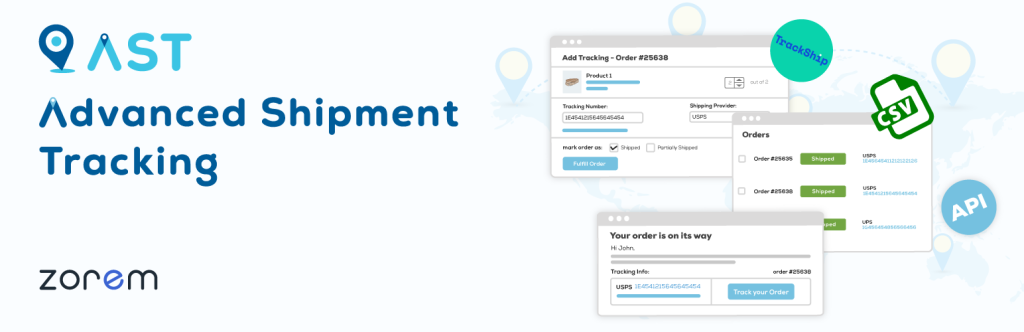
Once an order ships, customers want to know where it is without having to email to ask, and Advanced Shipment Tracking for WooCommerce is built to automatically answer that question. Store owners can add tracking numbers to orders manually, in bulk via CSV, or through a REST API that lets external fulfillment systems push tracking data directly — useful for stores using third-party warehouses or dropshipping partners. The plugin recognizes over a thousand shipping carriers, so tracking links resolve correctly regardless of which courier handled a given shipment.
Tracking information appears automatically in the order confirmation email and on the customer’s My Account view-order page, with a customizable widget design that aligns with the rest of the store’s branding rather than looking like a bolt-on afterthought. For orders that ship in multiple packages, tracking can be added per shipment rather than forcing everything under a single number, keeping things accurate for split fulfillment and reducing “where’s the rest of my order” support tickets.
Keeping Orders Organized From Checkout to Delivery
Sequential Order Numbers for WooCommerce
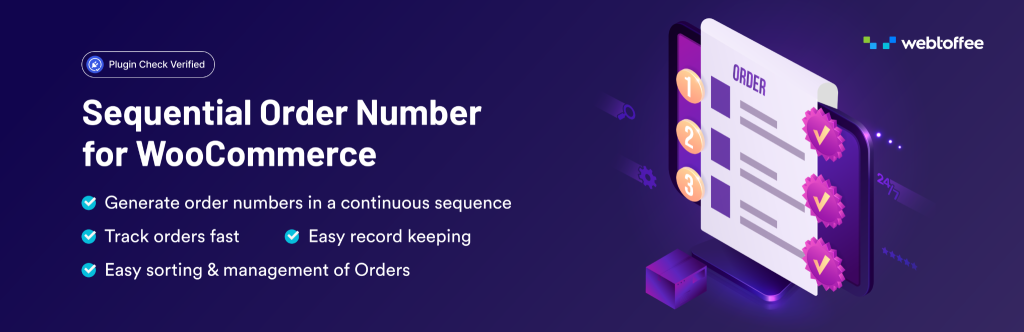
By default, WooCommerce doesn’t generate clean, sequential order numbers, it reuses the WordPress post ID system, which also numbers pages, media, and other content, so order numbers can jump unpredictably (order #1001 followed by #1004, for instance) even though nothing is actually missing. Sequential Order Numbers for WooCommerce fixes this by generating a separate, genuinely sequential numbering system for orders, with options to add prefixes or suffixes, set a custom starting number, and define the number of digits in the sequence.
The plugin also covers edge cases that matter for bookkeeping, including a separate numbering sequence for free orders so they are easy to distinguish from paid transactions, custom increment values for stores that do not want numbers to increase by exactly one, and automatic daily, monthly, or yearly resets for stores that periodically restart their sequence. A free version is available for stores that need basic sequential order numbering, while the premium version offers more advanced customization and automation options. Clean, predictable order numbers make it easier for support staff to reference orders in customer conversations and help accounting teams reconcile records without having to interpret internal WordPress IDs.
Custom Order Status for WooCommerce

A clean order number is one thing; knowing where an order actually sits in the fulfillment process is another, and WooCommerce’s default statuses, Pending, Processing, Completed, often don’t say enough. Custom Order Status for WooCommerce lets store owners add their own statuses, such as Packed, Quality Check, Ready for Pickup, or Awaiting Supplier, each with its own label, icon, and color, so the orders list reflects how a store actually works rather than forcing every workflow into WooCommerce’s handful of defaults.
Custom statuses integrate with WooCommerce’s existing bulk actions, so several orders can move to “Packed” or “Dispatched” in one click instead of one at a time, and they appear in WooCommerce Analytics reports, giving a clearer picture of where orders are piling up in the pipeline. Orders can remain editable in a custom status when that matters, and email notifications can be tied to specific statuses so customers or staff are automatically looped in the moment an order reaches a milestone worth flagging.
Helping Customers Find the Right Products
Product Recommendations for WooCommerce
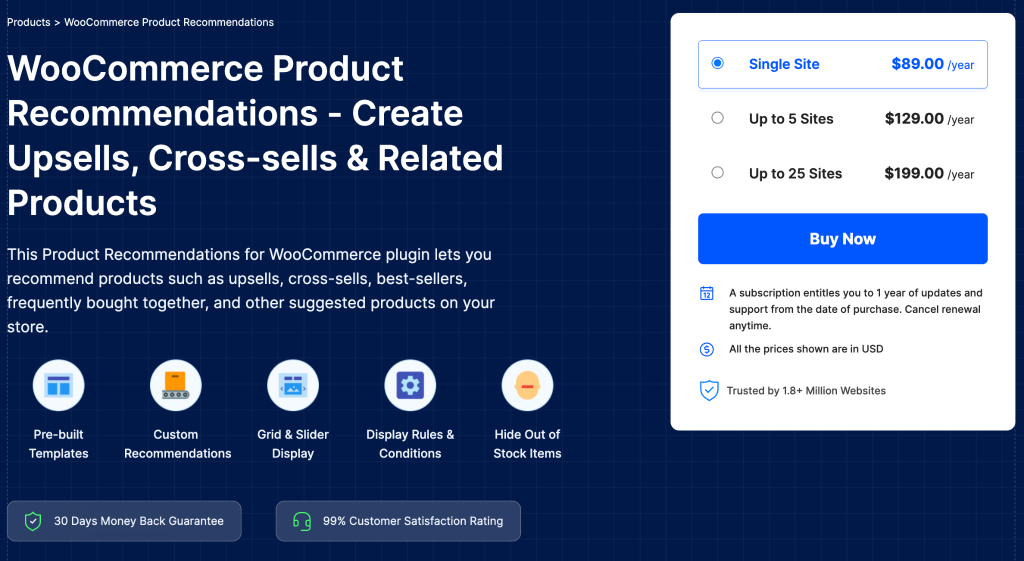
Helping customers find products they’ll actually want to buy is its own kind of store management, manually curating “you might also like” sections, product by product, doesn’t scale past a small catalog. Woocommerce recommendations automates this, generating upsells, cross-sells, best-sellers, frequently bought together bundles, new arrivals, and recently viewed items automatically from store data, with pre-built templates that can be placed on the shop, category, cart, checkout, or individual product pages without custom development.
Store owners can refine what shows up using filters for category, price, stock status, or user role, which allows fairly precise targeting — recommending sale items under a certain price to customers who already have a full cart, for instance. Frequently bought together bundles can carry their own fixed or percentage discount to nudge customers toward buying the whole set, and built-in analytics show how each recommendation campaign is performing, so store owners can adjust placements and rules based on what’s actually driving orders rather than guessing.
FiboSearch – Ajax Search for WooCommerce
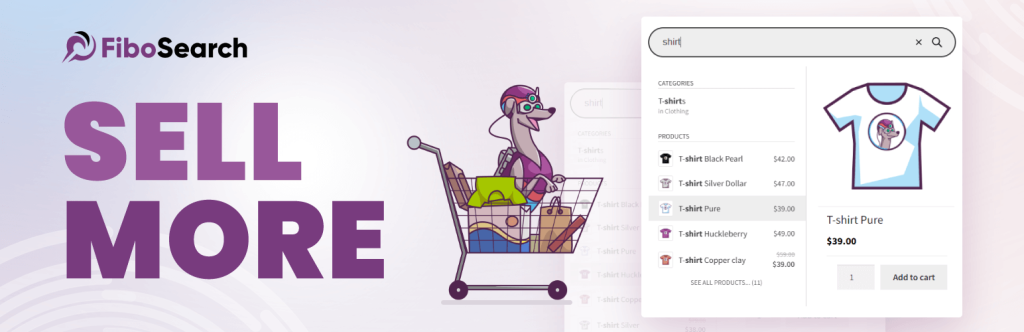
Recommendations work well once a customer has landed on a product; getting them there in the first place is a search problem, and WooCommerce’s built-in search is fairly limited by default, with no live suggestions and no SKU matching. FiboSearch replaces it with an AJAX-powered search bar that shows live product suggestions as customers type, complete with thumbnails, prices, and short descriptions, so shoppers can find what they’re after without submitting the search and waiting on a results page to load.
Beyond product titles, the plugin can search descriptions, SKUs, categories, tags, and custom attributes, and it includes fuzzy matching that still returns relevant results when a shopper misspells a product name. For stores with large catalogs, this matters more than it might seem: customers who can’t find what they’re looking for within a few seconds tend to leave rather than dig further, so a search bar that actually understands the catalog can be a meaningful factor in whether a browsing session turns into a purchase.
Turning First-Time Buyers Into Repeat Customers
Smart Coupons for WooCommerce
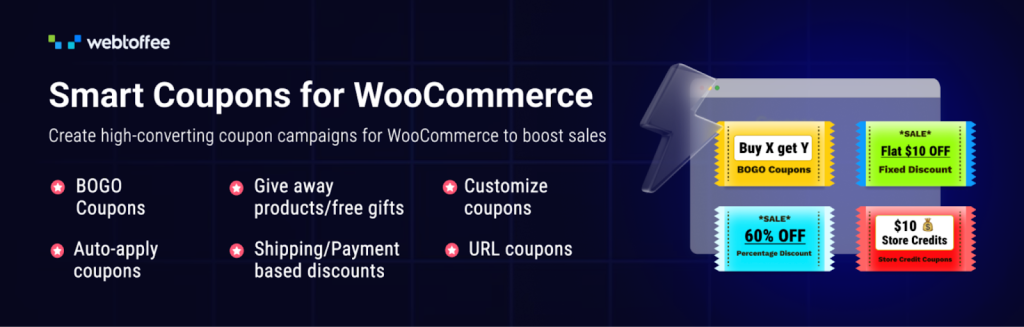
Coupons are among the more direct levers a store has for shaping customer behavior, and this coupon plugin woocommerce extends WooCommerce’s native discount system well beyond simple percentage-off codes. Store owners can build BOGO offers, including recurring or scheduled ones, set up coupons that trigger automatically based on a customer’s purchase history, rewarding a tenth order, for example, and issue coupons as gifts tied to specific product purchases, with the option to send a unique code to each recipient rather than a single shared one.
The plugin also targets the moments when discounts can have the greatest impact, including abandoned-cart coupons that are automatically sent when customers leave items unpurchased, seasonal or time-limited offers supported by a sitewide countdown banner, and auto-apply coupons that activate at checkout without requiring customers to enter a code manually. A free version is also available for stores that need essential coupon-management features before upgrading to more advanced promotional tools. Store credit and gift card functionality round out the feature set, allowing stores to run loyalty-style programs without relying on a separate plugin.
YITH WooCommerce Wishlist
Not every visitor is ready to buy the moment they find a product, and where Smart Coupons handles the discount side of bringing them back, YITH WooCommerce Wishlist handles the “save it for later” side. It adds a simple heart icon to product listings that lets customers save items to a wishlist without committing to a purchase, then return later to check price changes or availability before deciding.
Customers can create multiple wishlists and choose whether each is private, shared only with specific people, or public, which turns the feature into a light gifting tool as much as a shopping aid — a shared birthday or holiday wishlist that friends or family can browse and buy from directly. For store owners, wishlists double as a signal of purchase intent worth acting on: products sitting in a wishlist are natural candidates for a follow-up email or a targeted discount, which is where a coupon or marketing automation plugin can pick up the thread.
eCommerce Marketing Automation for WooCommerce
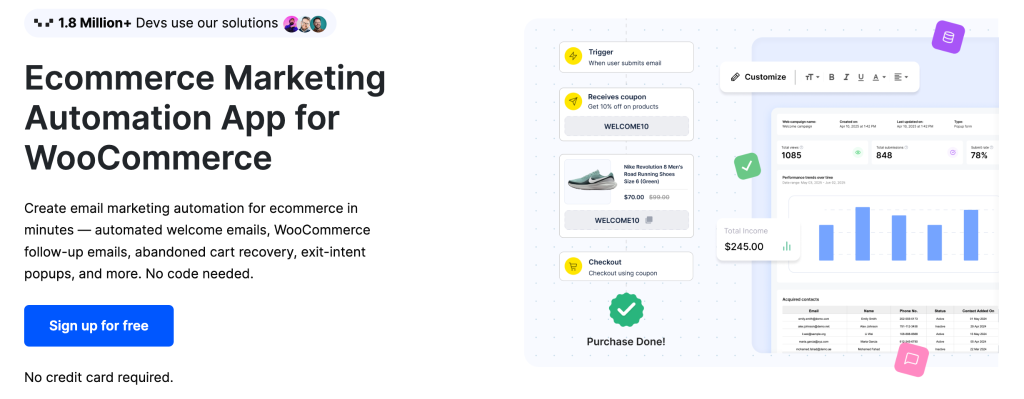
Coupons and wishlists both rely on a customer already being on the site; eCommerce Marketing Automation is built for reaching them before and after that visit. It’s WebToffee’s marketing automation tool for WooCommerce, combining email campaigns, popups, and signup forms into a single system built specifically for store data rather than a general-purpose email platform bolted on afterward. Store owners can set up automated welcome emails, abandoned cart recovery sequences, post-purchase thank-you emails, and win-back campaigns for customers who’ve gone quiet, all without writing code.
The popup side covers exit-intent offers that trigger as a visitor moves to leave the site, cart-recovery popups, and customizable signup forms placed inline, as slide-ins, or inside a popup to grow an email list. Templates for both emails and popups are drag-and-drop editable, and the plugin can pull upsell, cross-sell, and frequently bought together recommendations directly into campaigns, tying the marketing side back to the same recommendation logic used elsewhere on the store. It’s free to start, which makes it a reasonably low-risk way to add structured retention marketing without committing to a separate subscription first.
WooCommerce Points and Rewards

Email campaigns and popups deliver a message; a points program gives customers an ongoing reason to keep buying from the same store rather than a competitor. WooCommerce Points and Rewards, the official WooCommerce.com loyalty extension, lets store owners award points for purchases and other actions, such as signing up or leaving a product review, and then lets customers redeem those points for a discount at checkout.
Store owners control the exchange rate in both directions, how many points a dollar spent earns, and how much a given number of points is worth as a discount, plus caps on the maximum discount that can be applied at the cart, category, or product level. Because it’s a separate points-based mechanism rather than a coupon code, it runs alongside a store’s existing coupon strategy rather than competing with it, and it works with WooCommerce’s newer cart and checkout blocks, so stores that have moved to the updated checkout experience aren’t stuck choosing between a modern checkout and a loyalty program.
Reaching More Shoppers While Keeping Segments Straight
Product Feed PRO for WooCommerce
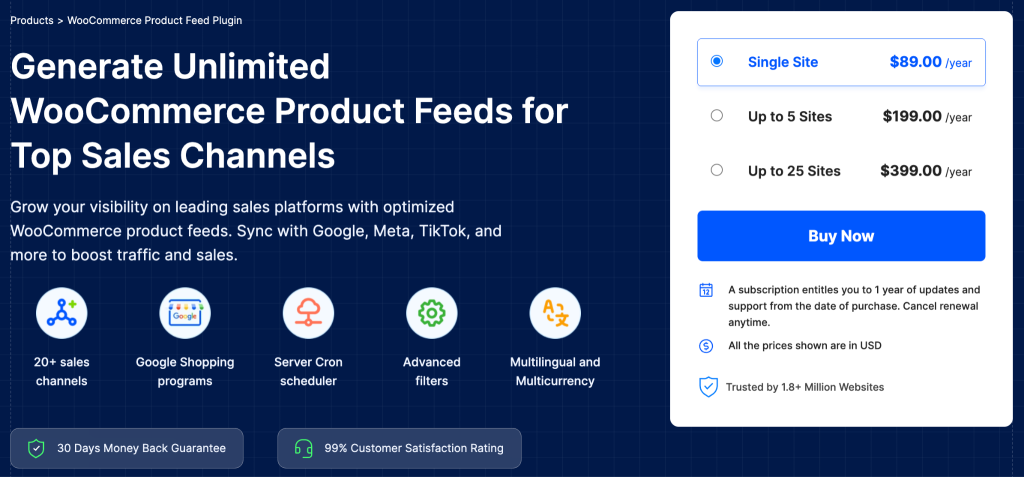
Getting products in front of shoppers increasingly means showing up on channels beyond the store’s own site, and Product Feed PRO for WooCommerce generates the data feeds that Google Shopping, Facebook and Instagram Shops, TikTok Ads, Pinterest, and a long list of other marketplaces and comparison sites require. Store owners can generate feeds for multiple channels from the same product catalog, apply filters and rules to control exactly which products or categories appear on each channel, and map WooCommerce product fields to the categories and attributes each sales channel expects.
For stores selling across regions, the plugin supports multilingual and multi-currency feeds from a single WooCommerce setup, so the same catalog can be presented in different languages and with prices adjusted to each market. A scheduled refresh feature, including a server cron option built for larger catalogs, keeps feeds current without manual regeneration, and a centralized management screen shows the status of every feed at a glance — useful once a store is running feeds across half a dozen channels.
Wholesale Suite
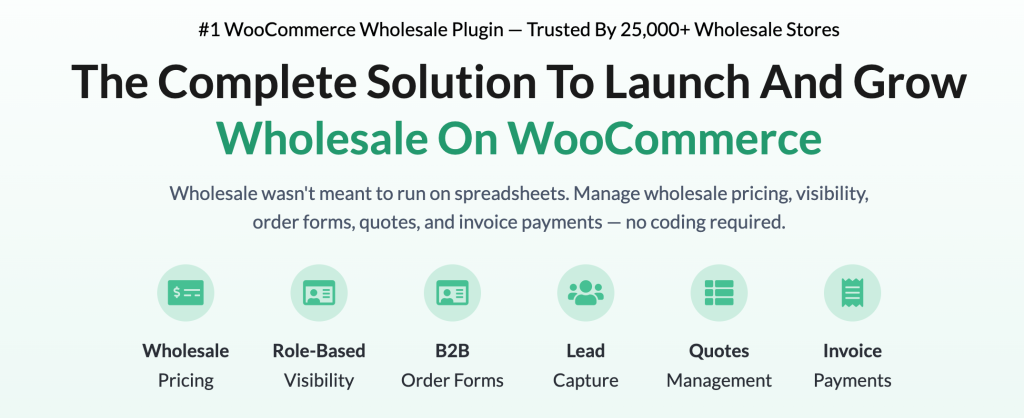
Not every customer should see the same price, and Wholesale Suite is built around that distinction. It adds a dedicated wholesale customer role to WooCommerce and lets store owners set wholesale pricing at the global, category, or individual product level, so B2B buyers see different prices than retail shoppers without needing a separate store. A private-store option can hide prices and the add-to-cart button entirely until a customer logs in, which suits stores that don’t want wholesale pricing visible to the general public.
Beyond pricing, the plugin supports tiered, quantity-based discounts for bulk orders, minimum order requirements for wholesale accounts, and restrictions on which shipping methods or payment gateways wholesale customers can use — useful for stores that invoice wholesale orders differently than retail ones. A companion order-form plugin in the same suite gives wholesale buyers a fast, single-page way to browse and reorder from the full catalog, which matters for B2B customers placing large, repeat orders rather than browsing casually.
Conclusion
No single plugin manages products, orders, and customers all at once, and that’s fine. The stores that run smoothly tend to combine a handful of focused tools, each handling one part of the workflow well, rather than looking for a single plugin to do everything. Bulk product tools and inventory dashboards cut down the manual catalog work; automated invoicing, picklists, delivery scheduling, and shipment tracking keep orders moving from checkout to doorstep without constant admin attention; and product discovery, coupon, loyalty, and marketing automation plugins turn one-time buyers into repeat customers instead of relying on discounts alone.
The right combination depends on the store. A small shop with a stable catalog may only need order documentation and a coupon plugin, while a growing store selling across multiple sales channels and customer segments will get more value from product feeds, wholesale pricing, better on-site search, and CRM-style automation working together. Start with whichever workflow step is costing the most manual time today, add the plugin that solves it, and build out from there.
Related videos
Video library- Web and Marketing
How to add products to WooCommerce Online Store - WordPress Tutorial 2019
· 44:48 · 202 views
Read the guide Watch on YouTube - AI and Automation
Build an AI Q&A Workflow in n8n with Pinecone Vector Store
· 4:14 · 2.2K views
Watch on YouTube
Keep reading
 Software and ToolsWhat Should Travelers Know About Internet Restrictions Abroad?Learn how internet restrictions affect international travel and how to prepare for secure, reliable connectivity abroad. · 6 min read
 Software and Tools7 Tips for Building Better JavaScript ApplicationsSeven practical ways to improve JavaScript application quality, structure, performance and maintainability. · 6 min read
 Software and ToolsStellar Repair for Outlook Review: Repair your PST with Free Online or Desktop SoftwareWe ran the same corrupt 125 MB PST through Stellar Repair for Outlook and Stellar's online PST repair service. Real timings, ScanPST results, prices and the catches. · 10 min read