AI and Automation
Practical Google Cloud Generative AI: A Beginner-Friendly Tutorial to Create, Summarize, Discover, and Automate
By Amjid Ali · · 3 min read

In this article
The buzz around Generative AI is undeniable, and Google Cloud offers a robust platform to explore its vast potential. Whether you’re an IT professional, a dedicated homelab user, or simply a tech enthusiast eager to innovate, understanding how to create, discover, summarize, and automate with Google Cloud’s generative AI products and services can unlock significant advantages. This practical, beginner-friendly tutorial will walk you through the essentials, empowering you to leverage these cutting-edge tools for your own projects and workflows. Let’s explore how Google Cloud can transform your approach to technology!
What is Google Cloud Generative AI?
Google Cloud’s Generative AI suite encompasses a range of powerful tools and models designed to generate new content, from text and images to audio and video. These services, including Vertex AI and the Generative AI Studio, provide access to foundation models like PaLM for text and Imagen for image generation, allowing users to build and deploy AI-powered applications with relative ease.
How to Create, Discover, Summarize, and Automate
Let’s break down how you can use these capabilities:
- Create: Generate novel content such as blog posts, marketing copy, code snippets, or even unique images for your projects. Imagine drafting an entire article outline or generating product descriptions in seconds.
- Discover: Uncover valuable insights from vast datasets. Generative AI can help identify trends, patterns, and anomalies in your data that might be missed by traditional analysis methods, accelerating research and decision-making.
- Summarize: Condense lengthy documents, articles, customer feedback, or meeting transcripts into concise summaries. This is invaluable for quickly grasping key information and saving time.
- Automate: Streamline repetitive tasks. Think automated report generation, personalized email responses, or even creating workflows that trigger actions based on AI-generated insights. For instance, you could use a platform like n8n to connect Google Cloud’s AI outputs to other applications, fully automating complex processes.
Getting Started with Google Cloud Generative AI
Embarking on your Generative AI journey with Google Cloud is straightforward:
- Step 1: Access the Google Cloud Console: If you don’t have an account, you can sign up for a free trial.
- Step 2: Explore Vertex AI: Navigate to the Vertex AI section. Here you’ll find the Generative AI Studio, which offers a user-friendly interface to experiment with different models and prompts.
- Step 3: Experiment with Prompts: Start with simple prompts to understand how the models respond. For example, ask it to write a short poem, summarize a paragraph of text, or suggest ideas for a new project.
- Step 4: Integrate with Your Projects: Google Cloud provides APIs and SDKs to integrate these AI capabilities into your applications, websites, or homelab setups.
Key Benefits for IT Professionals and Homelab Enthusiasts
- Scalability: Leverage Google’s infrastructure to scale your AI applications as needed.
- Pre-trained Models: Access powerful, cutting-edge models without the need for extensive AI expertise or training resources.
- Integration: Seamlessly connect with other Google Cloud services like BigQuery for data analysis or Cloud Functions for serverless automation.
Related Articles You May Like
- Exploring the Future of AI in Business
- Getting Started with Google Cloud Platform
- Automating Your Homelab with Workflow Tools
By now, you’ve seen how accessible and powerful Google Cloud’s generative AI products and services can be. You’re equipped with the knowledge to start your journey to create, discover, summarize, and automate, turning complex challenges into exciting opportunities. The possibilities are vast, from streamlining your homelab projects to developing sophisticated IT solutions. Don’t stop here; dive into the Google Cloud console, experiment with the tools, and see what amazing things you can build. Visit SyncBricks for more tutorials and guides to continue your learning journey!
Related videos
Video library- AI and Automation
AI-Powered Proxmox Agent: Automate IT Operations in Seconds!
· 3:57 · 6.9K views
Watch on YouTube - AI and Automation
Automate YouTube Videos with AI, n8n & HeyGen – No Manual Work!
· 9:18 · 1.1K views
Watch on YouTube - AI and Automation
Automate Affiliate Links with n8n (PartnerStack)
· 4:18 · 435 views
Watch on YouTube
Keep reading
 AI and AutomationHow to Build an AI Model: A Complete Guide for DevelopersAI model development in 8 steps: define the problem, prepare your data, choose tools, engineer features, train, validate, deploy and keep improving the model. · 6 min read
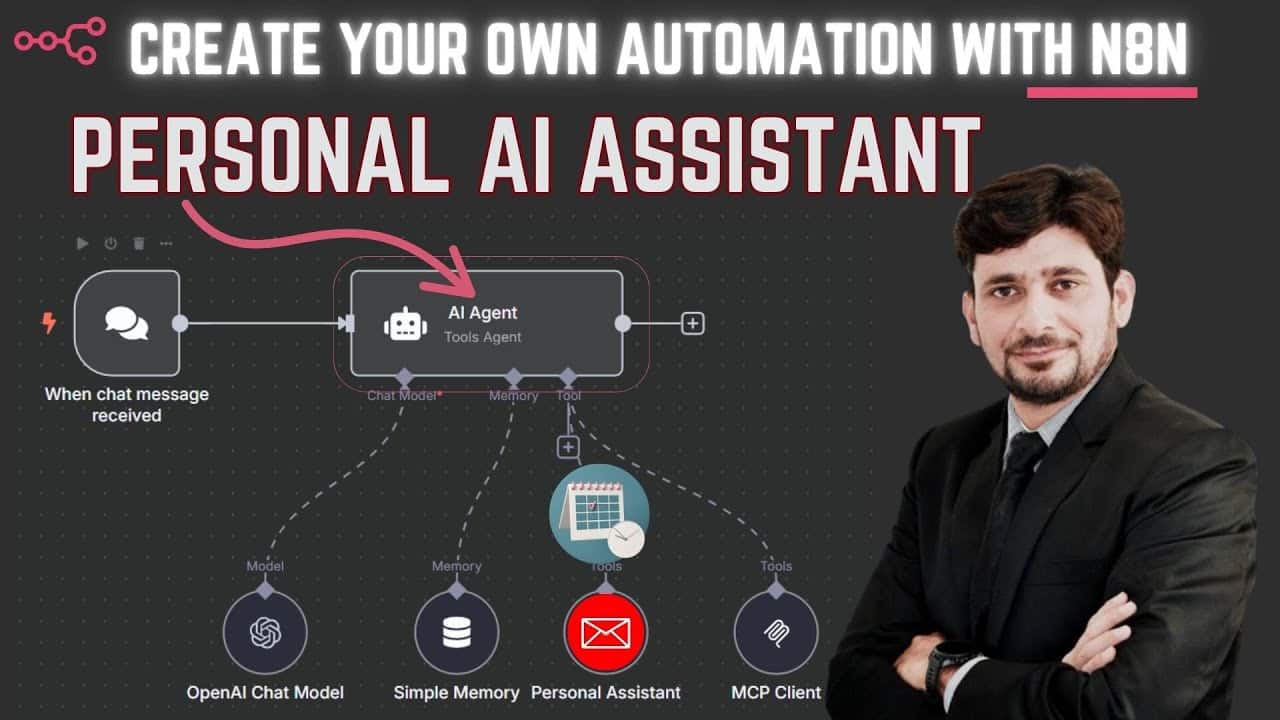 AI and AutomationCreate Your Own Personal AI Assistant with Gmail Integration | n8n + Gemini 2.5 DemoImagine having a personal assistant that can manage your Gmail inbox based on simple voice or text commands. Thanks to powerful low-code automation plat... · 4 min read
 AI and AutomationThe Ultimate Guide: 20 Best Low-Code Platforms for Homelab and IT Automation ProjectsThe best low-code platforms for homelab projects and IT automation. Compare n8n, Node-RED, Appsmith, and 17 more tools — with pros, cons, and use cases. · 2 min read