AI and Automation
What a Bot Carries Into the Next Shot
By SyncBricks Editorial · · 4 min read
In this article
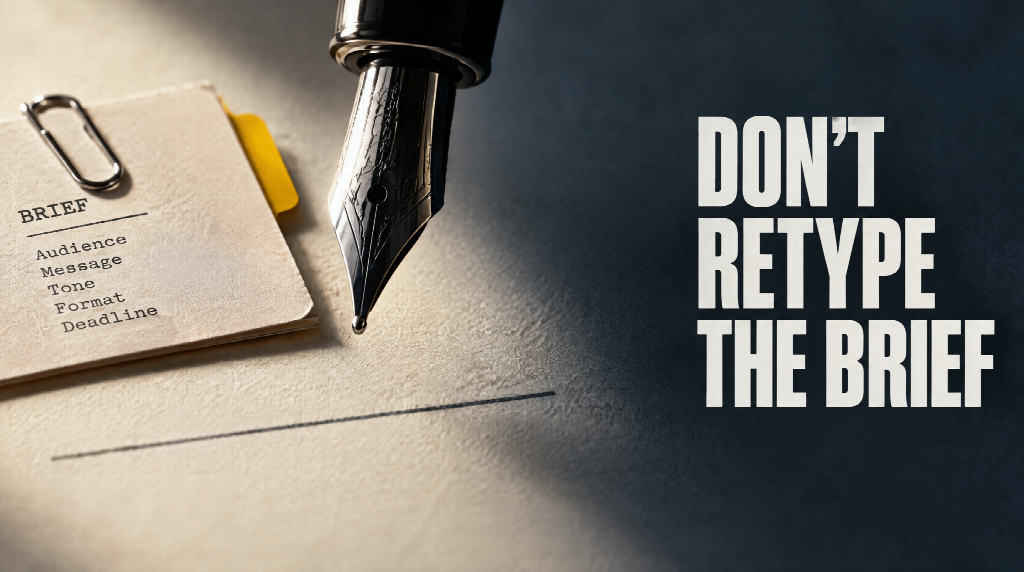
A new video task often starts with the same notes you typed last time. The style. The way you like a prompt written. The rules for the job. Then those notes get copied out of one chat and pasted into a video tool, and the next shot waits until the last one is finished. A Bot is a saved worker for that loop. It keeps the brief, it can take on one part of the work while another Bot takes another, and it can be handed to someone else on the team. The six jobs below are the order the work actually shows up in.
1. Preferences you should not have to retype
Without a Bot, every new task begins with a briefing. You explain the style again. You explain how you like prompts written. You explain the creative rules that were already true yesterday.
A Bot remembers those preferences, so the next task does not start from a blank description. It can also take its starting preferences from a project you already have, instead of from a fresh set of instructions. The memory is the brief you already settled. You still change it when the job changes.
2. Preferences that already live in another chat
The second delay is the trip between tools. A style was worked out in ChatGPT or in Claude. The video tool does not know it. You copy, you paste, you lose a line, you paste again. When a clip is finished, you download it and upload it somewhere else so a model can look at it.
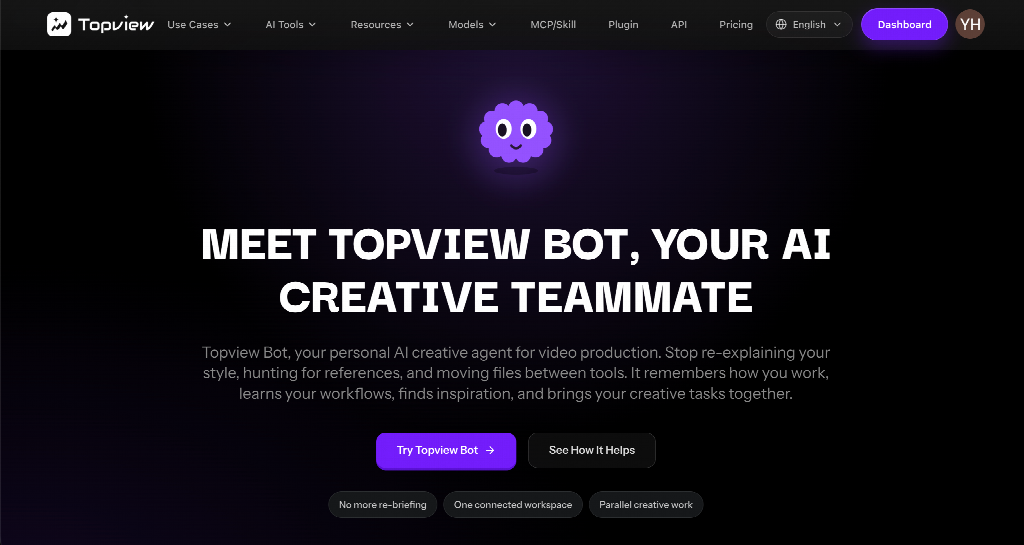
A Video Bot can bring in the creative preferences you already set in ChatGPT or Claude, so the move does not mean retyping them. On the Board you can talk with the model and generate in the same place. A clip or a still that comes back can be used in the next task, including a look from the model, without a download and a second upload. You still decide what the note meant.
3. A shot you can ask for by name
Looking for one kind of frame, a doorway, a wet street, a slow push across a table, usually means scrolling until you happen to see it. You describe the shot in ordinary language. The Bot searches the film references it can reach, and it can also look through image results and Pinterest. Which of those sources come back depends on the task and on how the product is set.
That result is a reference for the look. It is not a copy of the film, and it is not permission to republish the frame. Use it to point at the kind of picture you want. The footage you generate still has to be yours to use.
4. A board that will take a sentence
Assets pile up. Stills, clips, audio, versions of the same shot. Sorting them by hand is a second job: folders, names, and the search when you cannot remember which version you kept.
On the Board, one sentence can arrange the project the way you asked. You say what belongs together, or what you need to find, and the board does that sort. You still check that the pile it made is the pile you meant. A sentence is an instruction, not a guarantee that every file was named well before it arrived.
5. More than one Bot, and shots that do not wait in a line
One chat asked to do everything gets crowded. The same thread is writing the script, writing the picture prompts, and gathering references. Each reply has to remember all three, and the thread gets harder to read.
Generating makes the wait worse. The next shot cannot start until the current one has finished, so a scene of six shots is six waits in a row.
Split the work. One Bot can search, another can draft, another can organize, and they can move at the same time. Where the model and the account allow it, separate shots can be generated together, so shot four does not have to wait until shot three has finished. You still review each result. Parallel means the jobs overlap. It does not mean you skip the watch.
6. A Bot a colleague can open
Two people on the same team, with two blank chats, will not land on the same style. Each of them explains the look in their own words, and the pictures drift.
The page says you will be able to share a Bot you have already set up. A colleague starts from those creative settings and habits, instead of from an empty thread. Sharing is marked as a preview: what travels with the Bot, who can open it, and when it is finished can still change. The aim is one starting style, not a second blank chat.
What you set once
Write the preferences when they are true: style, prompt habits, and the rules of the job. Bring them in from ChatGPT or Claude if they already live there, or start them from a project you trust. Use a sentence when the board is a mess. Use another Bot when the chat is doing three jobs. Where the account allows it, let the next shot generate while this one is still running, and watch both. If someone else has to match the work, the aim is to send the Bot, not a fresh set of notes. That share is still marked as a preview.
The search is for a reference you can point at. Sources and results can change. The files you upload, and the clips you keep, still have to be ones you are allowed to use.
Keep reading
 AI and Automation8 Best Skill Registry Platforms for AI AgentsCompare eight skill registry platforms for AI agents on publishing, approval, security scanning, agent coverage and usage insights, from Port to skills.sh. · 8 min read
 AI and AutomationHow AI-Powered Medical Scribes Reduce Physician Documentation BurdenLearn how AI medical scribes cut physician documentation work, improve workflow efficiency, and support better patient care. · 7 min read
 AI and AutomationZapier Review: Building Reliable App Automations for a Small Technical TeamZapier is a broad automation platform for connecting the software a team already uses. This review explains its workflows, built-in tools, task model, and where it fits beside more hands-on automation approaches. · 9 min read