How to Use an AI Video Mockup Generator to Create Social Media Ads Without Video Editing
By Amjid Ali · · Updated · 8 min read
In this article
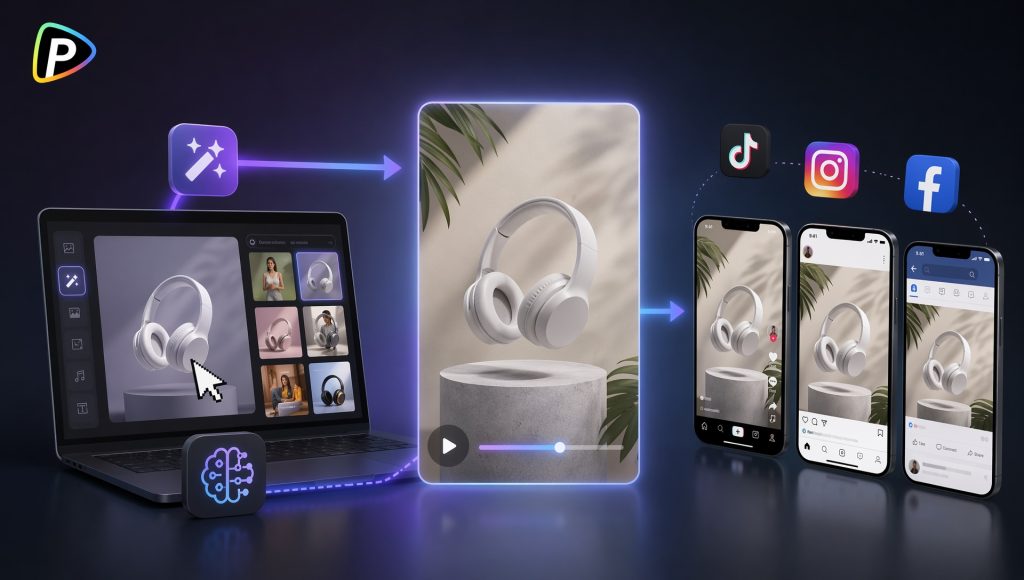
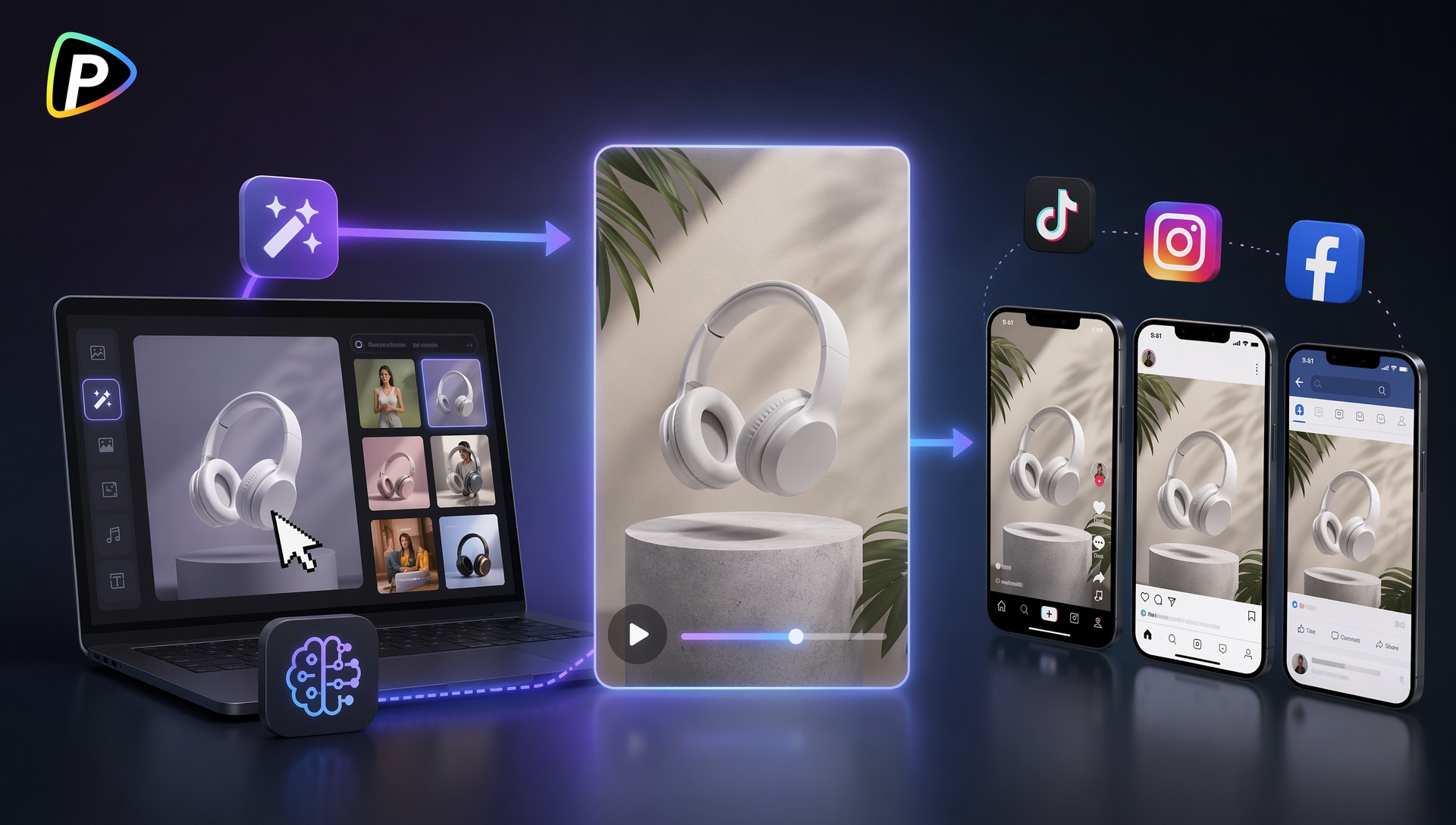
Creating social media ads traditionally required video editing software, design skills, and considerable production time. Today, AI-powered tools have simplified the process by turning static images, screenshots, and product visuals into engaging promotional videos within minutes.
One category gaining attention among marketers is the AI video mockup generator, which allows users to place products, app interfaces, logos, and marketing assets into realistic video environments without manually animating scenes. Instead of building a video from scratch, users can generate professional-looking mockup videos through templates and AI-assisted automation.
Among the available options, Pollo AI offers a dedicated Video Mockup Generator designed specifically for this workflow. It helps users transform screenshots, product images, and digital designs into marketing-ready video content suitable for social media advertising.
What Is an AI Video Mockup Generator and Why Choose Pollo AI?
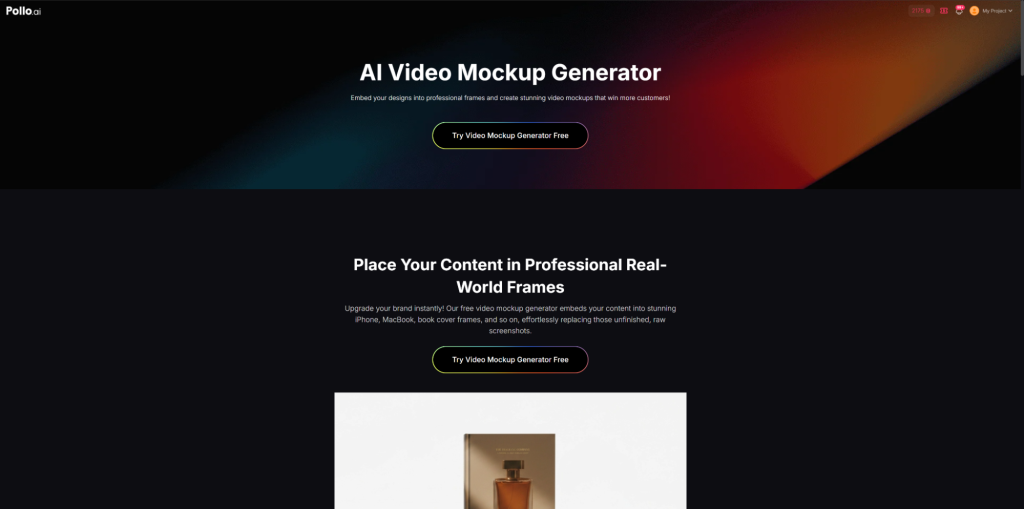
An AI video mockup generator is a tool that automatically embeds images, designs, screenshots, or product visuals into animated mockup scenes. Rather than editing timelines manually, users upload their content and let AI place it into realistic environments such as smartphones, laptops, billboards, books, packaging, or promotional displays.
For social media advertisers, this approach offers a faster way to showcase products and services while maintaining a polished visual appearance.
AI Video Mockup Generator from Pollo AI focuses on creating realistic mockup videos without requiring design or editing experience. The platform automatically adjusts positioning, scaling, lighting, and shadows so that uploaded content fits naturally inside the selected scene. Users can place app interfaces inside moving smartphone frames, display website screenshots on laptop screens, or showcase branding on physical products and promotional materials.
This makes it particularly useful for:
- E-commerce product promotions
- SaaS and app demonstrations
- Social media advertising
- Content creator announcements
- Agency marketing campaigns
Because the tool is designed around pre-built mockup environments, users can focus on marketing messages rather than video production tasks.
How to Use Pollo AI Video Mockup Generator to Create Social Media Ads?
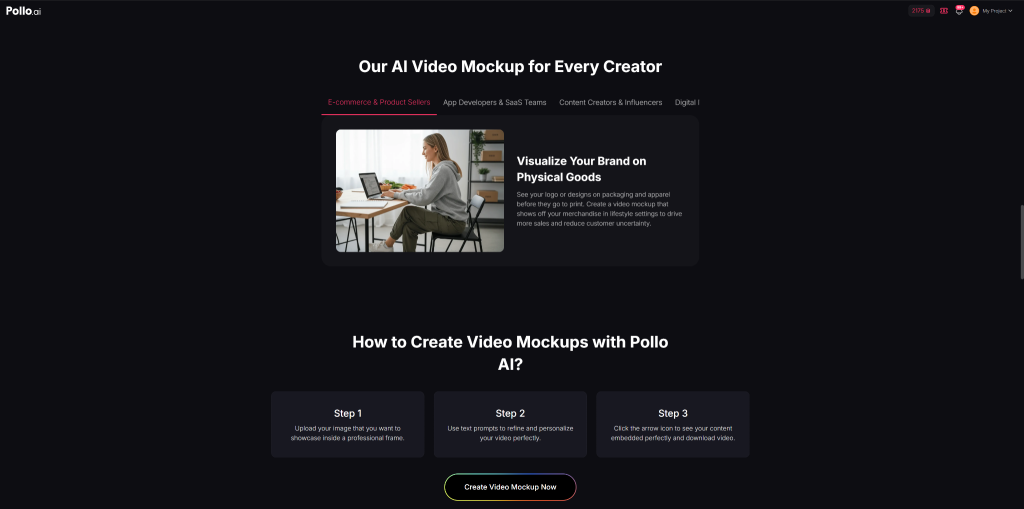
Step 1: Prepare Product Assets That Highlight the Main Selling Point
Before using the Pollo AI Video Mockup Generator, users should identify the main message they want the ad to communicate. Rather than uploading random images, focus on visuals that highlight the product’s most important feature.
For physical products, choose clear, high-resolution images that showcase the packaging, branding, or key details. For apps and software, use screenshots that emphasize the feature or workflow being promoted instead of showing every screen.
When selecting assets, it is often more effective to use a few strong visuals that support a single marketing message than to include too many images in one video. For e-commerce sellers without ready-made assets, Amazon URL to video generator from Pollo AIcan quickly extract product visuals from Amazon listings before they are used in mockup-based social media ads.
Step 2: Choose a Mockup Template That Matches the Advertising Scenario
Pollo AI offers different mockup environments that place uploaded content inside realistic settings such as smartphones, laptops, packaging displays, and promotional scenes.
The chosen mockup should match where the advertisement will be shown and how the audience is expected to interact with the product. For example, a mobile app promotion may look more natural inside an animated smartphone mockup, while a SaaS product is often better presented on a laptop or desktop screen.
Rather than selecting the most visually complex template, users should focus on scenarios that help potential customers immediately understand the product. A productivity app displayed on a laptop desk setup or a cosmetic product showcased on a bathroom countertop often feels more authentic than a generic promotional scene. The closer the mockup environment reflects a real-world usage scenario, the easier it becomes for viewers to imagine themselves using the product.
Step 3: Upload Assets and Write Clear Instructions
After uploading the product image or screenshot, users can guide the AI by describing how the mockup should look. This step has a significant impact on the quality of the final video.
Generic instructions such as “make it look professional” usually leave too much room for interpretation. More detailed prompts help the AI understand the desired environment, audience, and visual style.
For example, a skincare brand could use a prompt such as:
“Display the skincare bottle on a modern bathroom countertop with soft natural lighting and a premium lifestyle aesthetic.”
A SaaS company promoting a project management platform might write:
“Show the dashboard on a laptop screen in a modern office environment with subtle camera movement and a clean business-focused style.”
Similarly, an app developer could use:
“Place the mobile app interface inside a realistic smartphone mockup and showcase someone scrolling through the main features in a social media ad format.”
When writing prompts, users should mention the product type, visual style, target audience, and intended use case whenever possible. For instance, specifying that the video is intended for TikTok ads may lead to a more dynamic and mobile-friendly presentation than simply requesting a promotional video. The more context provided, the more accurately the AI can generate scenes that align with the marketing objective.
Step 4: Review the Generated Video and Refine the Output
Once the first version is generated, users should evaluate whether the most important selling points are immediately visible.
For example, if a product’s packaging design is one of its main advantages, the logo and branding should remain clearly visible throughout the video. If the mockup focuses too much on the surrounding environment, users can regenerate the video with a more specific instruction such as:
“Keep the product centered and ensure the logo remains clearly visible throughout the animation.”
Likewise, if an app interface appears too small inside the device frame, users might revise the prompt to:
“Zoom in on the dashboard and highlight the analytics section during the camera movement.”
This stage is also useful for refining the overall tone of the advertisement. If the generated video feels too casual for a B2B audience, users can request a more professional office environment. If a consumer product appears too formal, they can introduce lifestyle-focused elements that feel more relatable. In many cases, making a few targeted prompt adjustments produces better results than starting over with a completely different template.
Step 5: Optimize the Final Video for Social Media Platforms
Before exporting, users should ensure the generated mockup is suitable for the platform where it will be published.
For TikTok, Instagram Reels, and YouTube Shorts, vertical formats usually perform best because they occupy more screen space on mobile devices. Users should also confirm that the product appears within the first few seconds of the video, since viewers often decide almost immediately whether to continue watching.
It is also important to verify that text overlays, logos, and key product visuals remain easy to read on smaller screens. A mockup that looks clear on a desktop monitor may not be as effective when viewed on a smartphone. Before publishing, users should review the video from the perspective of a first-time viewer and ask whether the product, its main benefit, and the intended action are all obvious within the opening moments.
A successful social media mockup ad should quickly communicate what the product is, demonstrate it in a realistic context, and make the core value proposition easy to understand without requiring lengthy explanations.
What Are the Advantages and Limitations of Pollo AI Video Mockup Generator?
Advantages
- Reduces the need for manual video editing. The platform automatically handles positioning, perspective, and scene integration, allowing users to create mockup videos without learning traditional editing software.
- Creates more realistic product presentations. Automatic lighting and shadow effects help screenshots, product photos, and branding assets blend naturally into the selected mockup environment.
- Supports a wide range of marketing use cases. Users can showcase content inside smartphone screens, laptop displays, packaging designs, posters, books, and other promotional formats, making the tool suitable for e-commerce, SaaS, mobile apps, and digital products.
- Speeds up content production. Compared with building videos manually, marketers can generate promotional assets much faster, which is particularly useful when creating multiple ad variations for campaigns.
- Accessible to beginners. The workflow is straightforward enough for users with little or no video editing experience, making professional-looking mockup videos easier to produce.
- Provides high-resolution exports for commercial use. Generated videos can be used across social media platforms, landing pages, product listings, and advertising campaigns without requiring additional editing.
Limitations
- Output quality depends heavily on the uploaded assets. Low-resolution product photos or unclear screenshots can reduce the realism and overall effectiveness of the final mockup video.
- Creative flexibility may be more limited than traditional editing software. Users looking for highly customized animations or unique visual effects may find template-based workflows somewhat restrictive.
- Complex storytelling ads may require additional tools. While mockup videos work well for product showcases and demonstrations, narrative-driven advertisements often benefit from more advanced editing capabilities.
- Multiple versions may still be needed for campaign testing. Marketers frequently need to experiment with different visuals, prompts, and messaging angles before identifying the highest-performing creative.
Overall, the Pollo AI Video Mockup Generator is best suited for marketers, e-commerce sellers, SaaS companies, agencies, and content creators who need professional promotional videos without investing significant time in video production. It is particularly useful for product showcases, app promotions, and social media advertising campaigns where speed, simplicity, and visual presentation are more important than advanced editing control.
FAQs
Can AI generate a mockup video from a single image?
Yes. Most AI video mockup generators can transform a single image, screenshot, or design into an animated mockup by placing it inside pre-designed scenes and applying motion effects automatically.
Do users need video editing experience to create video mockups?
No. Modern AI video mockup tools are designed for non-editors. The system typically handles positioning, scaling, lighting, and animation automatically, allowing users to focus on content and messaging instead of editing techniques.
What types of products work best with AI video mockups?
Common use cases include physical products, mobile apps, SaaS platforms, website promotions, online courses, digital products, and social media content. Any product that benefits from visual presentation can generally be adapted into a mockup video.
Are AI video mockups suitable for social media advertising?
Yes. Video mockups are widely used for platforms such as TikTok, Instagram Reels, Facebook Ads, and YouTube Shorts because they present products in realistic contexts while requiring significantly less production effort than traditional video shoots.
How can users improve AI video mockup quality?
Using high-resolution images, selecting appropriate mockup environments, writing clear prompts, and emphasizing key product features typically lead to better results. Well-prepared assets often have a greater impact than complex instructions.
Conclusion
An AI video mockup generator provides a practical way to create social media ads without traditional video editing. By combining product images, screenshots, and realistic mockup environments, marketers can quickly produce promotional videos that appear polished and professional.
Pollo AI’s Video Mockup Generator streamlines this process by automatically embedding content into animated frames, applying realistic lighting effects, and generating commercial-ready video assets. For businesses seeking faster ad production and easier content creation, it offers a straightforward workflow that bridges the gap between static visuals and engaging social media videos.
Keep reading
 Tech NewsBase44 Review: Build a Custom Internal CRM Without Managing a StackBase44 review: can its built-in backend and integrations help a small technical team build a custom internal CRM without managing a stack? · 8 min read
 Tech NewsThe Triple-A Framework: How to Improve Brand Visibility in AI Search EnginesIt’s 2026. If your marketing strategy still revolves around keyword density, ten blue links, and traditional search engine results pages (SERPs), your · 8 min read
 Tech NewsZapier Review: Building Reliable App Automations for a Small Technical TeamZapier is a broad automation platform for connecting the software a team already uses. This review explains its workflows, built-in tools, task model, and where it fits beside more hands-on automation approaches. · 9 min read