Software and Tools
5 Best Direct Mail APIs for CRM-Triggered, Multi-Touch Campaigns
By SyncBricks Editorial · · 9 min read
In this article
A customer's contract is a few weeks from renewal, and your CRM has flagged the contact for a renewal offer. Under the old rules of direct mail, the postcard still waits for someone to export a list, clean the addresses, upload a file and log the mailing afterward. By the time it ships, the renewal window has narrowed, and the contact record shows nothing about what was sent.
The new rules look a lot more like email. A CRM event triggers a personalized printed piece, the provider handles print and postage, and delivery and response data flow back to the same record. A direct mail API is what makes that possible. The five platforms below are compared on how well they support that workflow, followed by a checklist for building and testing your first campaign for U.S. and Canadian addresses.
Key takeaways
- The best direct mail API depends on how you use mail: one-off transactional sends, CRM-triggered marketing, or multi-touch programs across several teams or clients.
- An accepted API request does not confirm printing or delivery. Track requested, mailed, delivered and responded separately.
- A zero-dollar platform plan does not mean free mail. Every option here charges for physical mailings.
What a direct mail API does
A direct mail API lets your software create, personalize, print and mail postcards, letters and other formats without manual production steps. The strongest options also validate addresses before printing, report delivery status, and connect to the CRM and marketing tools where your customer data already lives.
Three terms come up throughout. A webhook is an event message the provider sends to your integration, such as a mailing update. A suppression list identifies contacts to exclude from mailings. Multi-tenant architecture means one platform supports several brands, teams or clients, each with separate budgets, templates, reporting and permissions.
How to judge the best direct mail API
Five criteria separate a mail-sending endpoint from a platform you can build a program on:
- Automation and triggering. Can mail fire from CRM events, workflows or lifecycle stages, so it complements email and digital campaigns?
- Multi-touch campaign support. Can the platform run sequenced mailings over time, or does every follow-up need its own manual send?
- Print and mail reliability. Are production timelines, print quality and address checks consistent at scale?
- Scalability and governance. Are there controls for spend, approvals and reporting as volume grows?
- Multi-tenant support. Can agencies, franchises and SaaS platforms keep each client or team separate without duplicate accounts?
For marketing teams, multi-touch support and multi-tenant structure tend to be the deciding factors, because building either from scratch takes significant developer time.
Direct mail API comparison
Pricing details reflect the providers' published information checked on November 6, 2026.
| Platform | Connection options | Best fit | Pricing model |
| Postalytics | REST API with SDKs, native CRM integrations, Zapier | CRM-led, multi-touch and multi-client programs | Free and paid plans; all-in per-piece pricing |
| Lob | Print & Send API | Developer-managed mailing workflows | Free Developer plan; standard print-and-mail rates |
| PostGrid | REST API, HubSpot, Salesforce, Zapier | Adding print and mail to an existing workflow | Free Starter plan up to 500 monthly mailings; per-piece fee |
| Click2Mail | REST or Batch XML API | Teams submitting individual or batch jobs | No monthly account fee; mailing orders charged |
| PCM Integrations | API, Zapier, Salesforce, HighLevel, HubSpot | CRM-triggered postcards and letters; white-label stores | No contracts or monthly fees; per-piece pricing |
1. Postalytics, for CRM-led, multi-touch campaigns
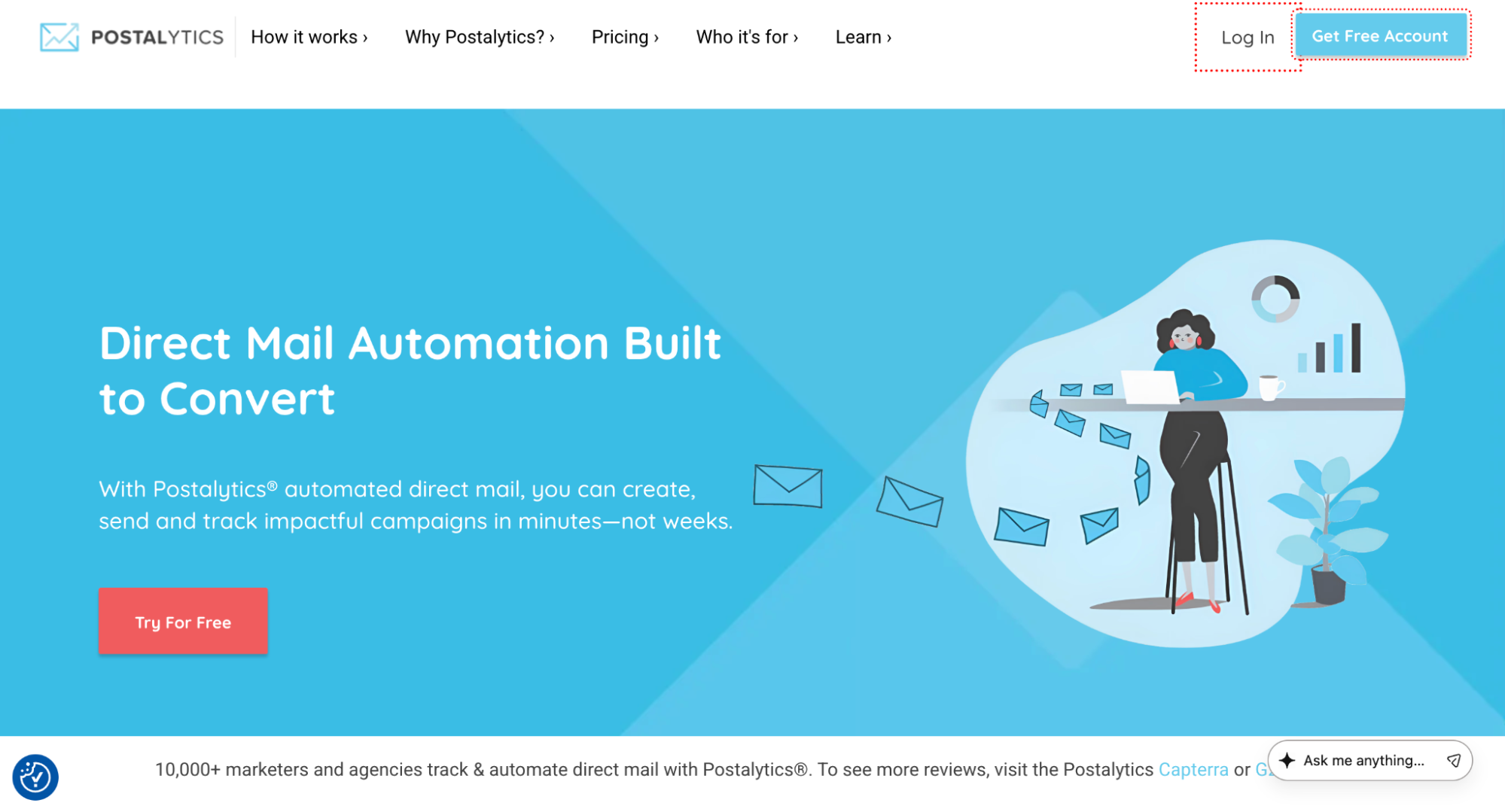
Postalytics, the creators of the direct mail automation category, built its platform to make mail as easy as email. Native integrations cover HubSpot, Salesforce, HighLevel, ActiveCampaign, Klaviyo and Zapier, and the REST API comes with SDKs plus separate development and production environments. On Pro and Agency plans, Flows runs multi-touch sequences across days, weeks or months. Multi-tenant support and a white-label Agency Edition suit agencies and SaaS platforms. Unique QR codes linked to personalized URLs match responses to individual pieces, and Intelligent Mail barcode tracking reports U.S. delivery.
Pricing: Free, USD 199 and USD 399 monthly plans, with per-piece prices covering printing, postage and paper.
Watch for: Canadian mailings support postcards and letters, and USPS delivery scans do not apply there.
2. Lob, for a developer-managed mailing workflow
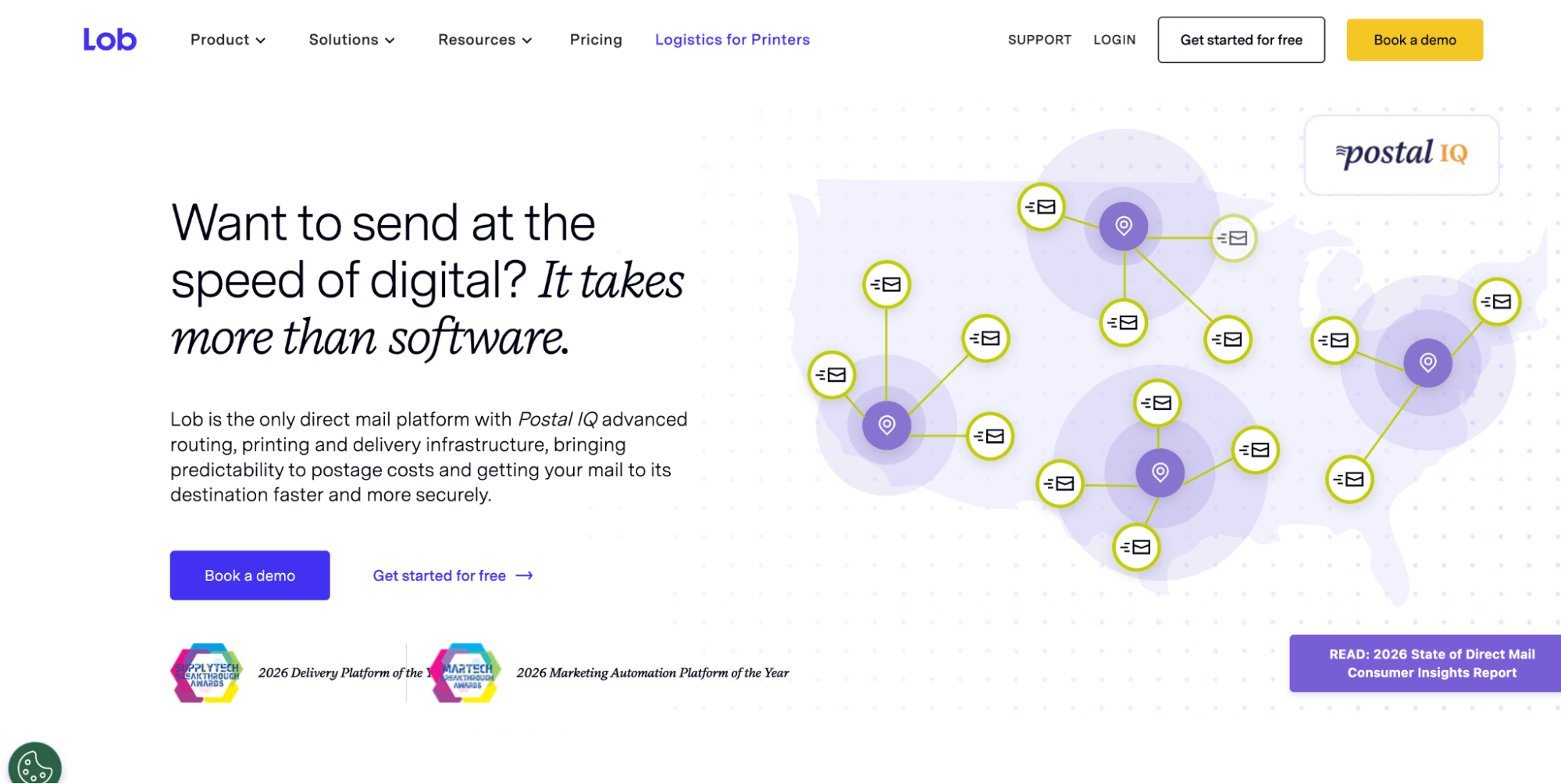
Lob's Print & Send API is built for engineering teams that want mail triggered from a CRM, a customer data system or their own application. Its documentation describes an Idempotency-Key header that prevents duplicate POST requests when a retry reuses the same key, a useful safeguard for triggered sends. Webhooks report mailing events, although Lob notes they may not arrive in real time. Its Delivered event is based on the carrier's GPS unit leaving the delivery area and is not guaranteed by USPS. It suits teams that prefer to keep sequencing logic in their own systems.
Pricing: The Developer plan starts at USD 0 per month with one user, plus standard print-and-mail rates.
Watch for: Plan how your integration handles delayed webhooks before tying follow-up actions to delivery events.
3. PostGrid, for adding print and mail to an existing workflow
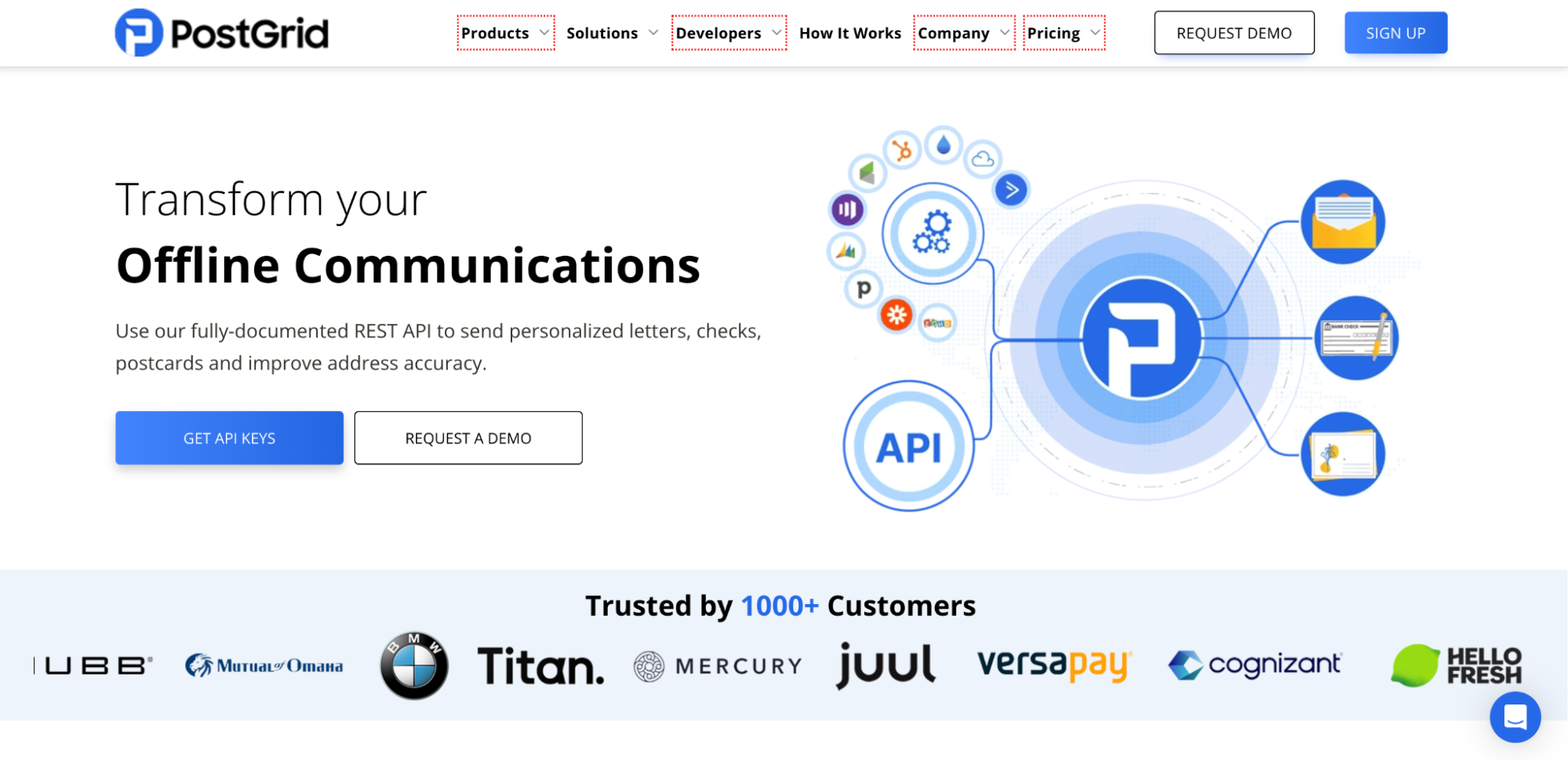
PostGrid offers a REST API alongside HubSpot, Salesforce and Zapier connections, so teams can add print and mail to an existing workflow without a full custom build. Its test API key operates in a sandbox, a separate environment where requests do not create live mailings, which makes it simple to rehearse triggers and error handling before launch. Enterprise pricing requires a sales conversation, so larger programs should budget time for that process. It suits teams that already have their CRM workflow mapped and need dependable fulfilment behind it.
Pricing: The Starter plan costs USD 0 per month and allows up to 500 monthly mailings at a per-piece fee; the allowance caps volume rather than making pieces free.
Watch for: Confirm that the CRM connection you need is included on your intended plan.
4. Click2Mail, for REST or Batch XML mailing workflows
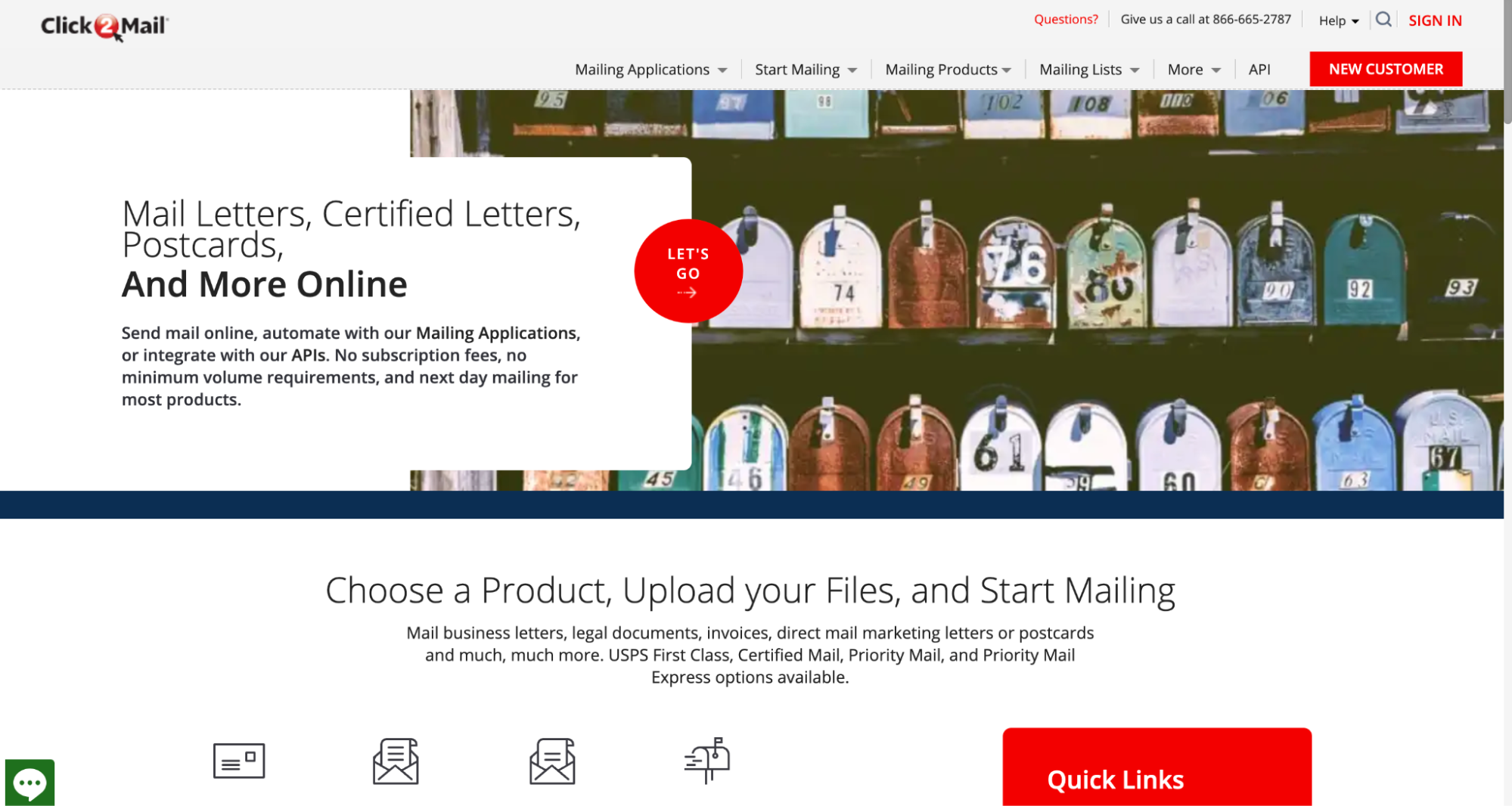
Click2Mail offers REST and Batch XML APIs, which suits teams that submit mail as individual triggered requests or as larger scheduled batches. Its developer documentation describes separate staging and production environments for the REST API, so integrations can be tested away from live orders. A custom CRM connection means your team maps contact fields, handles rejected requests and retrieves events itself. That build effort belongs in the cost estimate alongside mailing charges. It suits organizations moving existing batch print processes onto an API.
Pricing: No monthly account fee; mailing orders are chargeable.
Watch for: Compare total build and maintenance effort, not just per-piece mailing prices.
5. PCM Integrations, for CRM-triggered postcards and letters
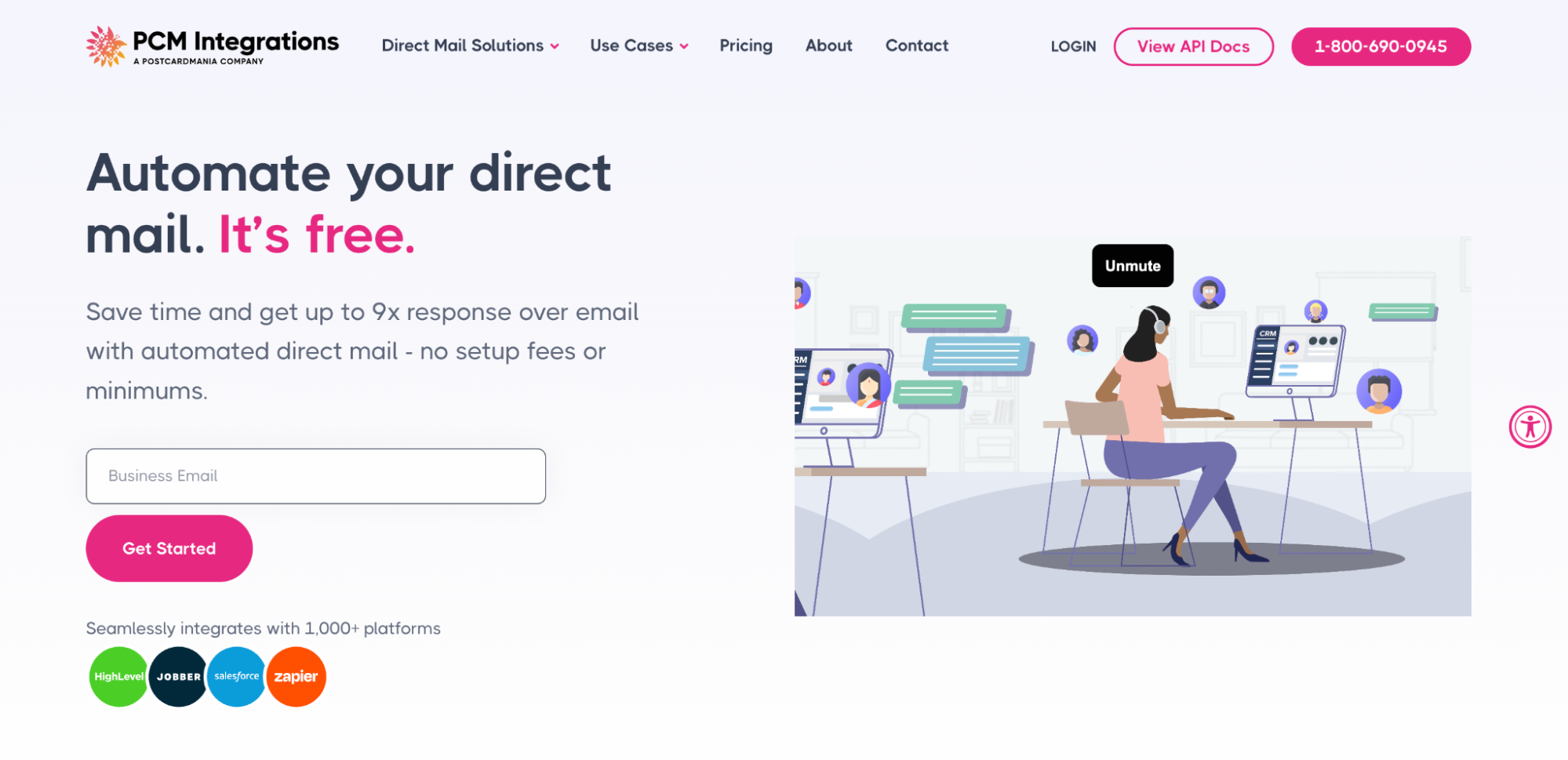
PCM Integrations, built by PostcardMania, triggers postcards and letters from CRM or software events through its API, a no-code Zapier setup, or native Salesforce and HighLevel integrations. Its HubSpot app can add or remove contacts from a mail campaign inside a workflow and show QR-code scans and mail tracking updates on the contact's activity timeline. White-label stores give franchises and similar organizations a branded way to offer mail to their own users. It suits teams that want CRM-driven sends without a monthly commitment.
Pricing: No contracts or monthly fees; mail is billed per piece.
Watch for: Check which events and tracking updates return to your CRM before building follow-up logic around them.
Build and test your first CRM-triggered campaign
Take a hypothetical renewal reminder postcard sent when a contract end date is 30 days away and no renewal activity is logged on the deal.
Define eligibility. Write the rule as a CRM filter first: contract end date within 30 days, mailing address present, country equal to US or CA, mail opt-out false, and no renewal mailing in the past 90 days. These are example rules, not provider requirements. Recheck eligibility right before submission, since contact details and opt-out status can change.
Map the fields. Keep an internal mapping so each send traces back to its contact and campaign.
| Internal field | Purpose |
| CRM contact ID | Stable key for updating the right record |
| Campaign ID | Identifies the creative and offer used |
| Name | Personalizes the greeting |
| Postal address | Stores street, city, region and postal code |
| Country | Distinguishes U.S. and Canadian mailings |
| Offer | Identifies the renewal message or offer variant |
| Suppression status | Records an opt-out or do-not-mail flag |
Prepare the creative. Give every personalization field a fallback, so a blank first name produces a generic greeting rather than an empty space. If the piece carries a personalized URL or QR code, check that its destination works before approving the proof.
Prevent repeat sends. Generate a stable send identifier for each contact and campaign pair, store it in a CRM-side send log, and check that log before submitting another request. Use the provider's duplicate-request protection where available, and set frequency caps and spending limits explicitly. The same rule holds in any reliable booking workflow: when an acknowledgment goes missing, check the destination for an existing record before retrying, so one trigger never produces two outputs.
Test before spending. Use the provider's non-production environment and keep API keys in protected credential storage, not in contact fields. Test a missing address, an opted-out contact, a duplicate trigger, a blank personalization field and a rejected request. Check how your provider populates suppression lists, since a new list may start empty until contacts are added. Finish with a small, authorized live pilot, because sandbox tests cannot verify real postal handling.
Return events to the CRM. Decide which events update which fields, and keep those updates separate from the trigger conditions so a returned event cannot enroll the contact again.
Track responses and keep spending under control
Keep separate counts for accepted API requests, pieces reported as mailed, postal delivery events, recorded digital responses and CRM outcomes such as renewed deals. A QR scan or personalized URL visit records engagement. A delivery event describes postal handling and does not prove anyone read the piece.
Store the provider's mail or campaign identifier alongside the CRM contact so incoming events match the right record. If your integration retrieves events on a schedule, check whether results arrive in pages and collect every page. Process repeated events without counting them twice or triggering another send.
Calculate cost per recorded response by dividing total campaign costs, including platform fees, mailings and any connector subscription, by unique recorded responders. Where volume allows, compare results with a holdout group that receives no mail to estimate the campaign's added effect.
Check whether vendor quotes include postage before budgeting it separately. The USPS First-Class Mail Forever stamp rose from 78 cents to 82 cents on July 12, 2026, which is useful planning context but not an automated provider's print-and-mail quote.
FAQ
What is the best direct mail API?
It depends on the job. Developer-first APIs work well for transactional or application-driven mail, while marketing teams running CRM-triggered, multi-touch programs across several teams or clients benefit most from native workflow and multi-tenant support.
Do I need to write code?
Not always. A native integration or connector can trigger mail from a CRM without a custom build, as long as it supports the trigger and return events you need. Some native integrations are available on free platform plans.
Does a free plan include printing and postage?
No. A zero-dollar platform plan covers software access only. Every option covered here charges for physical mailings under its own terms.
Does a delivered status mean the mail was read?
No. Delivery-event definitions vary between providers, and a postal event does not establish readership. Track recorded responses and CRM outcomes separately from delivery status.
Keep reading
 Software and ToolsChoosing a Manufacturing Process for Unique and Low-Volume PartsLearn how to select the right manufacturing process for low-volume parts, balancing cost, quality and production speed. · 7 min read
 Software and ToolsWhat Should Travelers Know About Internet Restrictions Abroad?Learn how internet restrictions affect international travel and how to prepare for secure, reliable connectivity abroad. · 6 min read
 Software and Tools7 Tips for Building Better JavaScript ApplicationsSeven practical ways to improve JavaScript application quality, structure, performance and maintainability. · 6 min read